
Author: Mauro Gómez, Software Engineer at SkedGo
The TripKit React SDK offers a flexible set of building blocks to help you build web apps powered by the TripGo API.
Building a world‑class trip planner from scratch can feel like wrestling a hydra: routing logic, real‑time feeds, accessibility needs, brand styling – solve one head and two more pop up. The TripKit React SDK distills a decade of mobility expertise into plug‑and‑play React components, so you can focus on shipping features, not reinventing infrastructure.
In minutes, you can drop in a fully styled planner, progressively customise every pixel, or mix‑and‑match components to craft a brand‑new mobility experience – all powered by the battle‑tested TripGo API.
Trip Planning UI out of the box
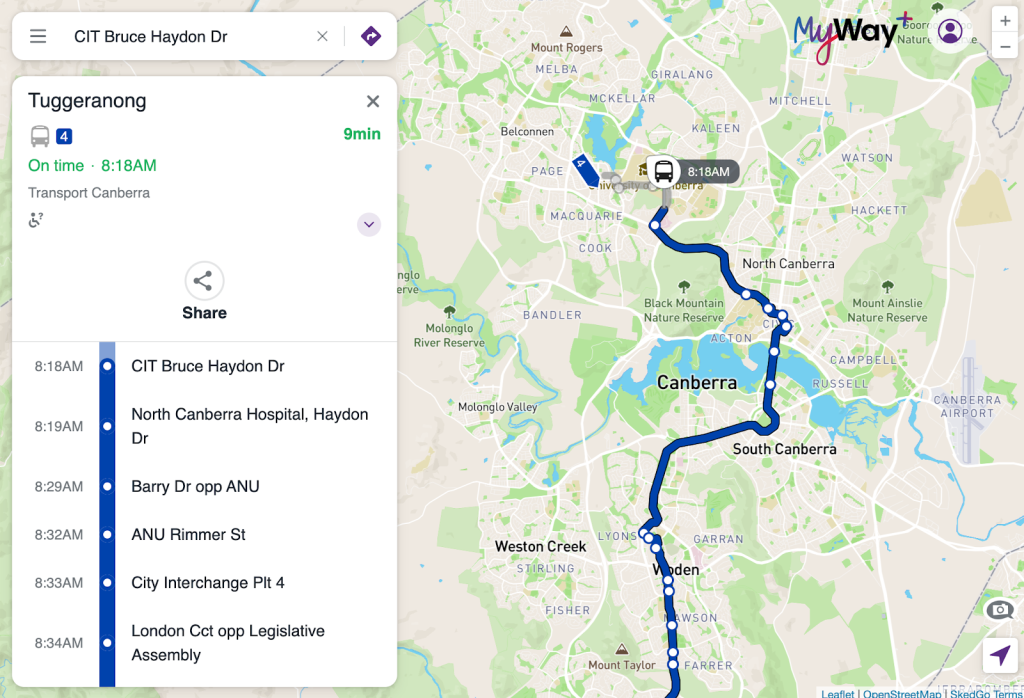
TripGo, Choose How You Move, Feonix Catch a Ride, and MyWay+ web-apps are use-case examples of getting a customised, full trip planner, out of the box from our SDK. This feature is provided by the <TKUITripPlanner/> component, which handles everything from origin/destination selection and transport mode filtering to itinerary presentation and real-time updates. Whether you’re using it as-is with minimal branding tweaks, or as a foundation for a more tailored experience, this component provides the flexibility and power to create a seamless, user-friendly mobility web-app in a fraction of the time it would take to build from scratch.


Combining SDK components
Besides the out of the box trip planner, you can combine different SDK components to build a new TripGo API based solution, as is the case of our trip planning web widget. This widget can be embedded into any website, allowing users to easily plan a journey by specifying start and end locations, a time, and transport preferences.

All these features are provided by components of our SDK:
- Location input with
<TKUILocationBox/>:

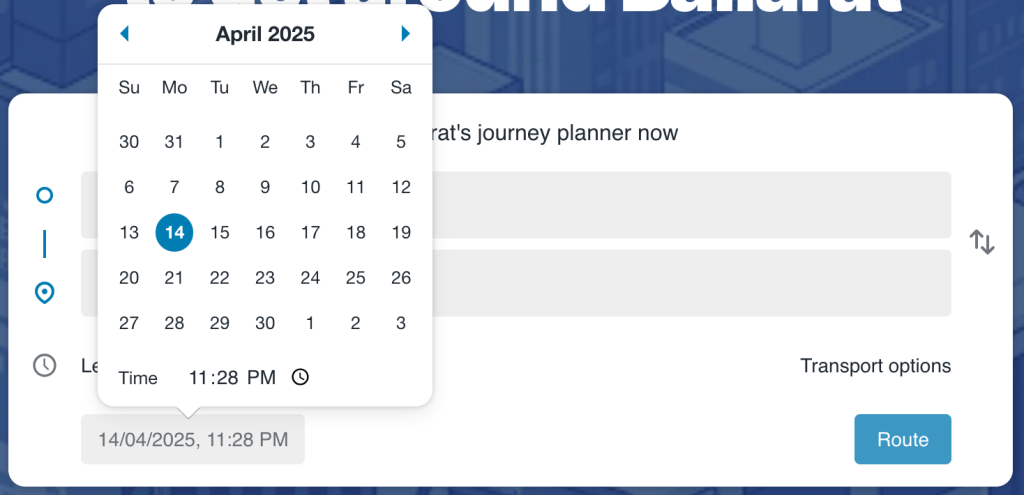
- Pick time with
<TKUIDateTimePicker/>:
- Pick transport modes with
<TKUITransportSwitches/>:

Re-styling and further customising components
Any component can be re-styled by partially or completely overriding its CSS styles. Wordings can be changed too. You mostly like the out-of-the-box trip planner but want an entirely different UI for some of its components? No worries, you can replace any component’s UI by a custom one without touching the rest of the trip planner (check our docs for more info).
Components Reference with interactive Playground
The SDK is accompanied by a comprehensive quick start guide, and a component reference page with interactive playgrounds. You can explore components in context, tweak its props, and see the results instantly—no setup required. It’s a great way to learn the API, experiment with customisations, and prototype ideas directly in the browser.

Ready to build your mobility web app?
Whether you want a plug-and-play trip planner or a fully custom mobility solution powered by the TripGo API, the TripKit React SDK gives you the flexibility to make it happen. With a growing set of UI components, built-in customisation options, and hands-on documentation with interactive examples, it’s never been easier to get started.
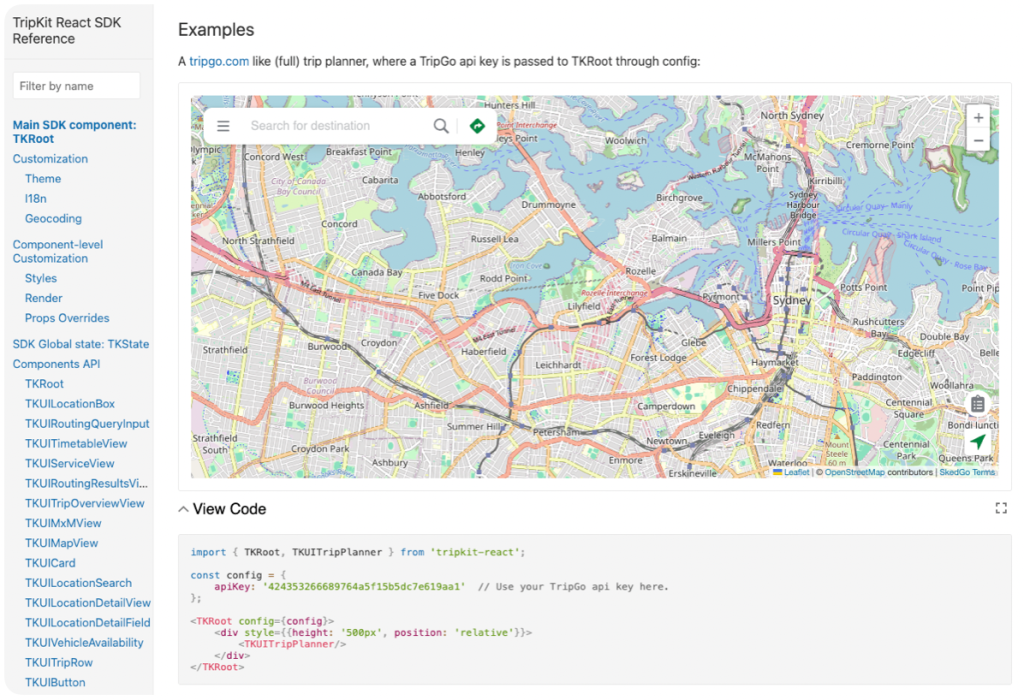
Explore the docs for quick‑start guides, deep dives, and real‑world examples.
Try the playground and tweak props, restyle components, and prototype ideas in real time.
Jump in, remix, and let us know what you create. We can’t wait to see your app on the map.